
Table of Contents
- Quick Comparison: Automated Appointment Scheduling Tools for Contractors
- Key Features to Look for in Contractor Scheduling Software
- AI-Powered Appointment Scheduling for Contractors: What It Actually Does
- Top Scheduling Tools for Contractors: Pros, Cons, and Pricing
- How to Integrate Booking Tools With CRM and Accounting Software
- Best Practices for Contractor Appointment Management
- Conclusion
- Frequently Asked Questions
Last Updated: September 21, 2026
Quick Comparison: Automated Appointment Scheduling Tools for Contractors
This guide from Uberwood Agency compares automated appointment scheduling tools for contractors on price, offline access, and integration with your existing systems.
| Tool | Starting Price | Best For | Offline Access |
|---|---|---|---|
| Uberwood Agency | Custom quote | Fully managed AI scheduling | Via managed build |
| Calendly | Free tier | Client consultations | No |
| Contractor Foreman | $49/month | Small crews, all-in-one | Limited |
| Podium | $399/month | Automated reminders | No |
| Buildertrend | Contact for pricing | Large residential | Limited |
Key Features to Look for in Contractor Scheduling Software
The features that matter most for contractor scheduling software are offline functionality, calendar integration, automated reminders, and a mobile-first interface. Everything else is a bonus.
- Offline functionality: Basements, new builds, and rural sites kill cell service. A tool that cannot queue changes offline will fail you exactly when you need it.
- Calendar integration: Your schedule has to sync with Google Calendar or Outlook without manual entry.
- Automated reminders: SMS and email confirmations cut no-shows without a single phone call.
- Mobile-first interface: If a tech cannot update a job from a phone in one hand, they will not update it at all.
- User permissions: Crew leads, office staff, and clients should each see only what they need.
Offline Functionality and Hardware Compatibility
Offline functionality lets a scheduling tool store changes on the device and sync them once a signal returns. This matters because field work happens where connections are unreliable.
AI-Powered Appointment Scheduling for Contractors: What It Actually Does
AI-powered appointment scheduling for contractors handles the intake work a dispatcher would otherwise do: answering calls, qualifying the job, checking your service area, and booking the appointment. It does not replace judgment on complex jobs.

Top Scheduling Tools for Contractors: Pros, Cons, and Pricing
Pricing for contractor scheduling tools ranges from free tiers to several hundred dollars a month, and the right pick depends on crew size and how much you want handled for you.
Uberwood Agency: Best for Fully Managed AI Scheduling Systems
Uberwood Agency designs, engineers, and operates custom AI systems for home service businesses, including voice agents, automations, and chatbots. Instead of handing you software to configure, the team builds the scheduling system around your call volume, routing rules, and existing tools, then runs it for you.
Pros:
- Done-for-you setup, so no one on your team babysits the system
- Custom builds that integrate with tools you already use
- Voice agents, automations, and chatbots delivered under one roof
Cons:
- Pricing is custom, so you need a quote to compare it against flat-rate tools
- Best fit for businesses ready to hand off the technical work entirely
Calendly: Best for Client Consultations and Estimate Meetings
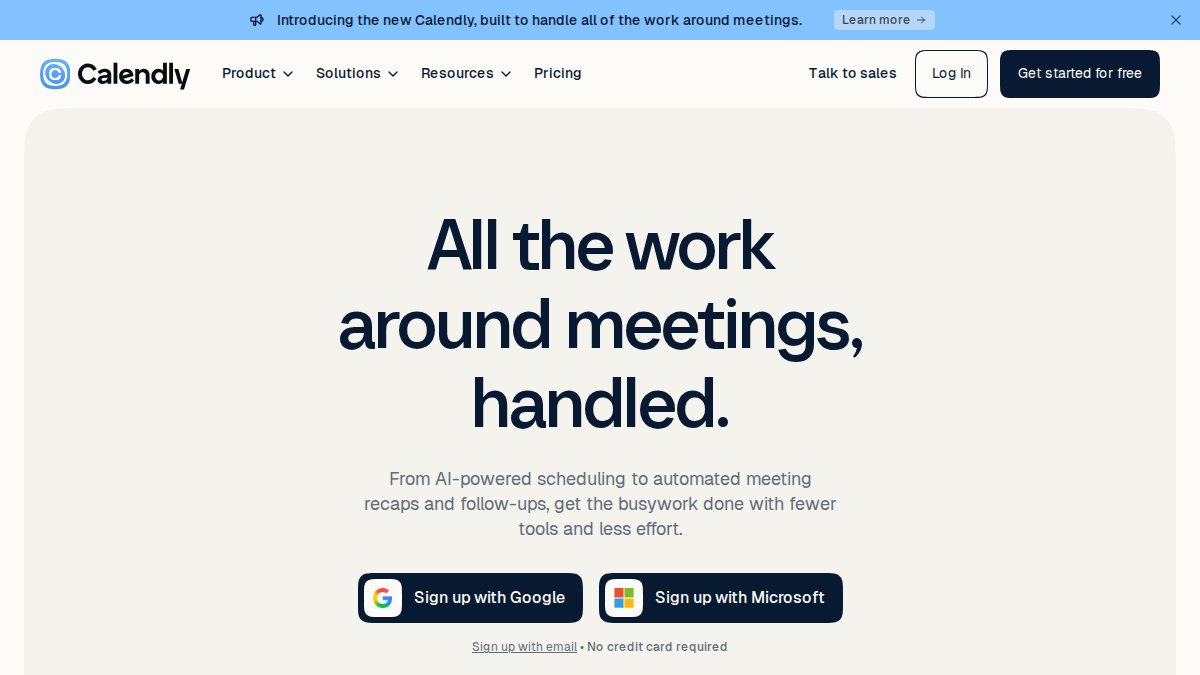
Calendly eliminates the back-and-forth of setting up estimate meetings: share a booking link, the client picks a slot that fits your availability, and the event lands on your calendar.
Pros:
- Free tier covers basic scheduling
- Extremely easy for clients to use
- Syncs with major calendar platforms
Cons:
- No construction-specific project management
- No offline mode for field use
Contractor Foreman: Best All-in-One for Small Crews
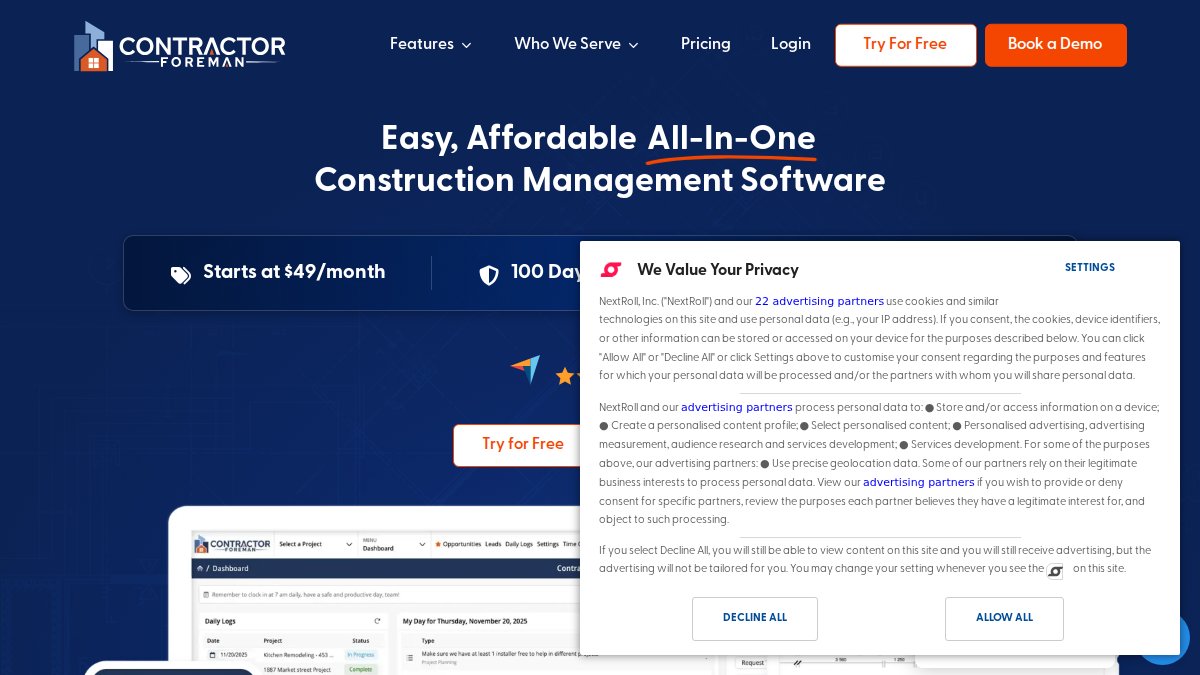
Contractor Foreman bundles scheduling with project management, real-time crew updates, and native QuickBooks integration. At $49 per month, it is the most affordable all-in-one here.
Pros:
- Strong mobile functionality for on-site updates
- Connects to QuickBooks and Google Calendar
Cons:
- The feature set can overwhelm a crew that only needs scheduling
Podium: Best for Automated Reminders and Client Communication
Podium centers on client communication: automated SMS and email reminders, a shared inbox, and review requests. It starts at $399 per month, buying fewer no-shows and better follow-up.
Pros:
- Excellent reminder and messaging tools
- Review management built in
Cons:
- Priciest option here for what is essentially communication
Buildertrend: Best for Large Residential Contractors
Buildertrend runs scheduling, client portals, and budget tracking for large residential builders. Pricing is quote-based and reflects the scope.
Pros:
- Industry standard for residential construction
- Client portal keeps homeowners informed
Cons:
- Significant cost for smaller operations
How to Integrate Booking Tools With CRM and Accounting Software
Integrating booking tools with your CRM and accounting software means connecting the calendar to your customer records so appointments, estimates, and invoices stay in one flow. Done right, a booked job creates a contact, a work order, and eventually an invoice without re-typing. Done wrong, you get duplicate customers, mismatched job numbers, and a bookkeeper reconciling every Friday.
The practical steps:
- Confirm your booking tool has a native integration or open API for your CRM. Native beats API every time, native integrations survive vendor updates, custom API calls often do not.
- Map fields so a new booking creates the right contact and job record. Decide up front which system is the master for customer name, service address, and job type.
- Connect accounting so completed work flows into invoicing. QuickBooks Online and Xero are the two most common endpoints for small contractors, and both publish public API documentation.
- Test the full path with one fake booking before going live. Book it, complete it, invoice it, and reconcile it. If any step requires a manual copy-paste, fix it before your crew touches the system.
Where Most Contractor Stacks Break
Tax and accounting integration is where most contractor stacks break, and it is the part of scheduling software reviews that gets skipped. If your scheduling tool cannot talk to your accounting software, someone re-enters every job by hand, and that is where errors start. A single transposed digit on a service address can send an invoice to the wrong customer and a technician to the wrong zip code.
The specific failure points to watch for:
- Duplicate contacts. A booking tool that creates a new contact every time a homeowner books with a different email address will fragment your customer history. Look for fuzzy matching on phone number and service address.
- Sales tax handling. Scheduling tools rarely calculate sales tax on materials. If your accounting software does, make sure the job record passes the taxable/non-taxable flag through, or your quarterly filing will be short.
- Payment status sync. A job marked "paid" in your accounting software should not still show as "awaiting payment" in the scheduling tool. Two-way sync on payment status prevents awkward collection calls.
- Change orders. If a client approves a change order in the field, that change needs to reach the invoice. Tools that only sync the original estimate will under-bill the job.
A Realistic Integration Timeline
Implementation timeline is the other thing most guides skip. A basic booking tool with calendar sync can be live in a day; a native CRM connection usually takes a few days of configuration; a full stack, booking, CRM, accounting, and automated reminders, typically takes two to four weeks for a small crew, longer if you are migrating historical records.
Best Practices for Contractor Appointment Management
Good contractor appointment management comes down to confirmation, buffer time, and a single source of truth for the schedule. Get those three right and most scheduling chaos disappears. Get them wrong and you will spend peak season apologizing to homeowners and paying techs to sit in traffic.
- Send an automated confirmation immediately, then a reminder 24 hours out. A second reminder two hours before the window cuts no-shows further, especially for first-time customers.
- Build travel and setup buffer into every slot, especially for first visits. A 30-minute buffer between jobs is a reasonable starting point for residential work in a dense metro; rural routes need more.
- Keep one master calendar. Two calendars means two versions of the truth, and the version your dispatcher sees is the one that matters.
- Track no-shows by reason so you can fix the cause, not just the symptom. "Forgot," "couldn't get off work," and "went with another contractor" are three different problems with three different fixes.
- Let clients reschedule through a self-service portal instead of a phone call. Every reschedule call is five minutes your office staff is not spending on new leads.
The Field-Use Details Most Guides Skip
Two operational details separate a scheduling system that survives a jobsite from one abandoned by week three: offline behavior and hardware fit.
Measuring Whether It Is Working
Pick three numbers and watch them for a quarter: no-show rate, average time from lead to booked appointment, and the percentage of jobs rescheduled. If no-shows are not falling and reschedules are climbing, the problem is usually the reminder cadence or buffer time, not the software. Adjust one variable at a time so you can tell what moved the number.
Conclusion
The hard part of contractor scheduling is not picking software. It is building a system that answers every call, books the right jobs, and keeps office and field crews on the same page without adding admin work.
Frequently Asked Questions
What is the best scheduling app for contractors?
The right pick depends on your crew size and workflow. Calendly works well for booking client consultations and estimate meetings. Contractor Foreman suits small crews needing an all-in-one platform with real-time schedule updates. Podium is strong for reducing no-shows through automated SMS reminders. Buildertrend fits larger residential contractors who need end-to-end project management. For businesses that want scheduling handled entirely by AI without managing the software themselves, a fully managed service like Uberwood Agency removes the technical burden.
How can AI improve appointment scheduling for contractors?
AI-powered appointment scheduling for contractors automates the entire booking cycle: voice agents answer calls after hours, chatbots capture lead details on your website, and the system routes jobs to the right crew based on service area and availability. This reduces missed calls, eliminates manual data entry, and keeps your calendar synchronized across office and field teams. For contractors receiving 15 to 20 calls daily during peak season, an AI voice agent can handle volume without dropping calls or confusing service areas.
What features should contractors look for in a booking system?
Prioritize automated reminders to cut no-shows, mobile-first access for field crews, and calendar integration with tools you already use. Offline functionality matters if your teams work in areas with spotty cell coverage. Check whether the tool syncs with your accounting software for estimate generation and invoicing. Also verify hardware compatibility since field crews rely on phones and tablets. If you need CRM integration, confirm the tool connects with your existing platform rather than creating another disconnected system.
Is automated scheduling software worth the investment for independent contractors?
It depends on how many leads you are losing to scheduling friction. If you are fielding calls during jobs, manually texting reminders, and still seeing no-shows, automation pays for itself quickly. Calendly and Connecteam offer free tiers for solo operators. Podium starts at $399 per month for communication-focused features. Contractor Foreman begins at $49 per month. For contractors who want scheduling handled end-to-end without setup or maintenance, a fully managed AI system through Uberwood Agency is available at a custom quote.