
Table of Contents
- Why Automate Appointment Scheduling for Home Services
- Step 1: Choose the Best Appointment Scheduling Software for Home Services
- Step 2: Set Up Your Online Booking Portal and Calendar Synchronization
- Step 3: Configure Automated Scheduling Workflow Templates
- Step 4: Implement Automated Reminders to Reduce No-Shows
- Step 5: Integrate Lead Qualification and Intake Forms
- Step 6: Automate Dispatch and Field Technician Routing
- Common Implementation Pitfalls and How to Avoid Them
Last Updated: August 28, 2026
Why Automate Appointment Scheduling for Home Services
Automating appointment scheduling for home services is a revenue driver. The home services market is worth $600 billion, with the online segment growing at 12.4% annually (statista.com). When leads arrive outside business hours, they book with competitors instead. Research shows 40% of online bookings happen outside traditional 9-5 hours, a plumbing company taking calls only Monday through Friday misses nearly half the market.
Businesses using automated scheduling see 22-31% fewer missed appointments and dispatch an average of 1.4 more jobs per technician per day compared to phone-based scheduling, according to ServiceTitan's 2025 State of Home Services report. Implementing virtual scheduling solutions delivers an average 312% return on investment within 12 months. Automated reminder systems reduce no-show rates by 87%. These are measurable outcomes that directly impact your bottom line.
The real barrier isn't whether automation works, it's knowing where to start. Most home service owners lack a technical team for implementation. This guide provides the roadmap.
Step 1: Choose the Best Appointment Scheduling Software for Home Services
Picking the wrong platform means rebuilding later, wasting time and money. You need software built specifically for home services, not generic scheduling tools adapted for your industry.
Home services requires field service management (FSM) software that combines scheduling with dispatching, real-time technician tracking, and job management in one platform.
Comparison of Top Platforms
| Platform | Starting Price | Best For | Key Strength |
|---|---|---|---|
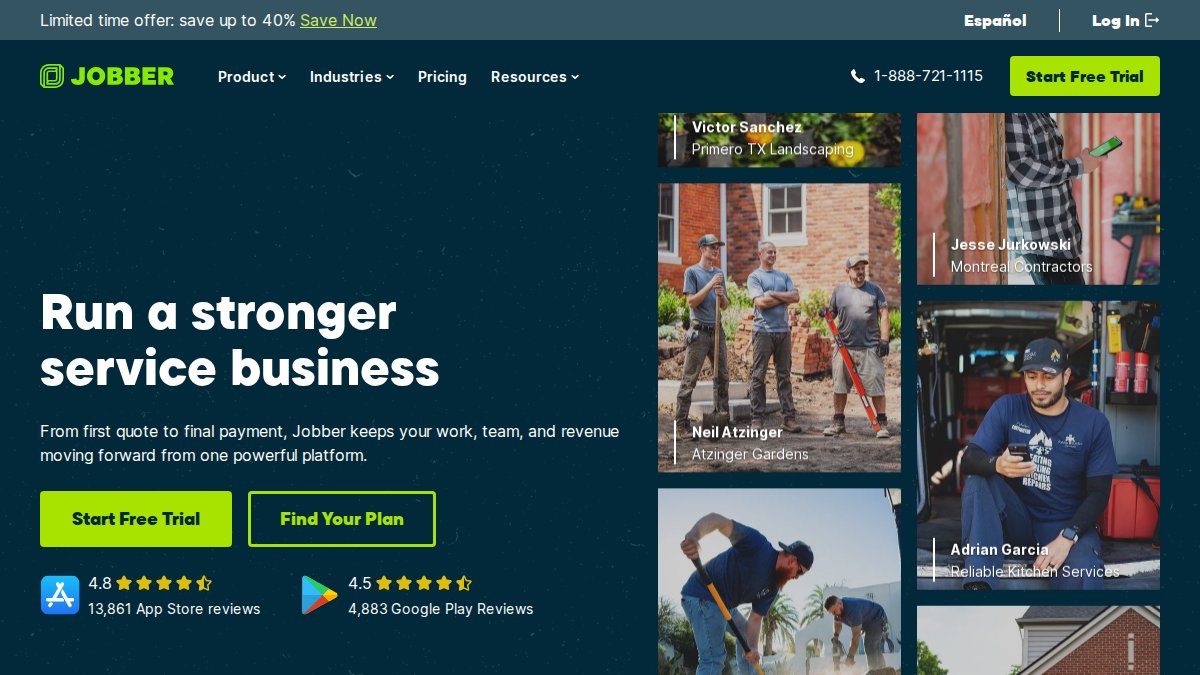
| Jobber | $39/month | Small to mid-sized teams | Drag-and-drop scheduling with route optimization |
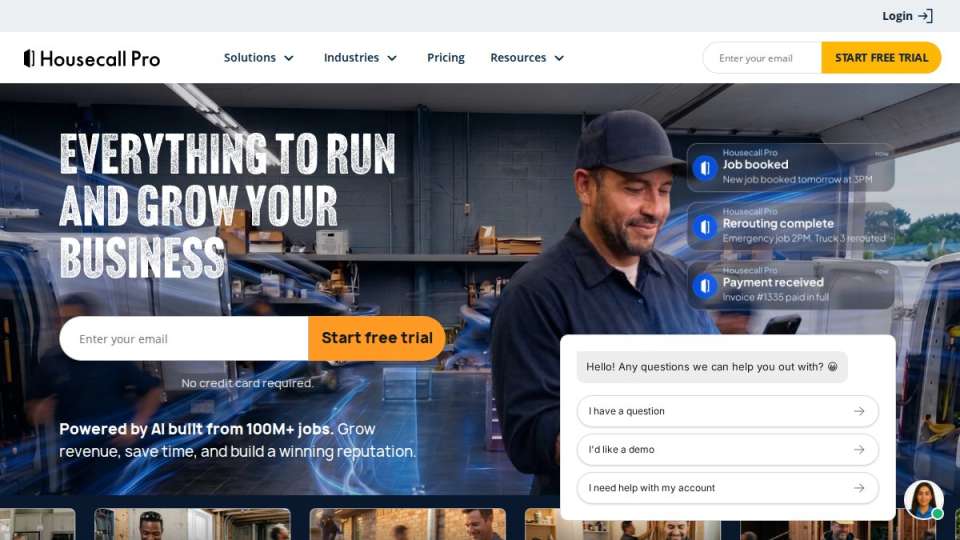
| Housecall Pro | $59/month | Residential services (HVAC, plumbing, electrical) | Intuitive mobile app and customer communication |
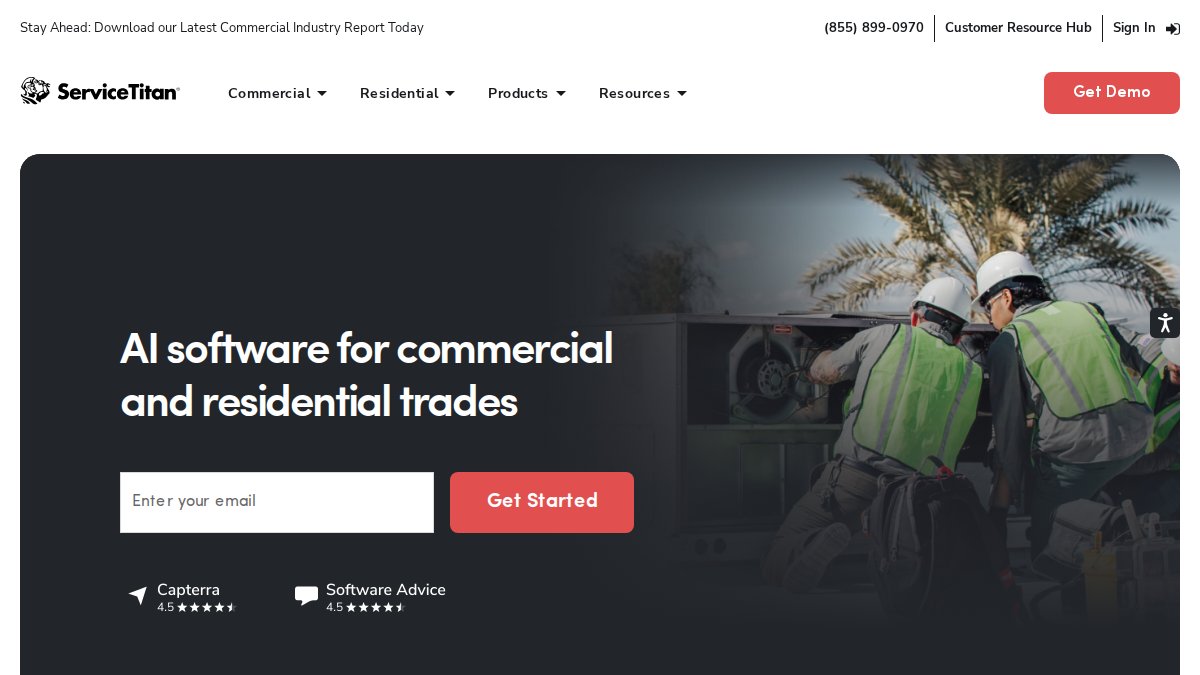
| ServiceTitan | Contact for pricing | Larger operations with complex needs | Advanced dispatching and real-time cost tracking |
| Acuity Scheduling | $16/month | Solo practitioners and small teams | Highly customizable booking pages and intake forms |
| SimplyBook.me | $8.25/month | High-volume services with complex rules | Feature-rich free plan and HIPAA compliance options |
Jobber ($39/month) is the strongest choice for most home service businesses. It combines scheduling, invoicing, and customer management in one interface. Drag-and-drop scheduling lets you assign jobs visually, and route optimization automatically sequences technician stops to minimize drive time. Setup takes a few hours.
Housecall Pro ($59/month) excels for primarily mobile teams. The mobile app is intuitive, technicians access job details, update status, and capture signatures without friction. Customer communication is built in, so automated reminders happen without leaving the platform. You'll need to upgrade for GPS tracking and QuickBooks integration.
ServiceTitan is the enterprise option for 20+ technicians across multiple service areas. Advanced dispatching and real-time cost tracking justify the investment. Pricing requires a sales conversation; implementation typically takes 2-3 months.
Acuity Scheduling ($16/month) and SimplyBook.me ($8.25/month) are lighter alternatives with strong customization for intake forms and booking rules. Neither handles dispatching or technician routing, so they work best for service businesses where customers come to you rather than where you go to them.
Step 2: Set Up Your Online Booking Portal and Calendar Synchronization
Your booking portal should display real availability, allow customers to select time slots, and confirm appointments automatically. Calendar synchronization ensures your scheduling software stays in sync with your team's actual calendars.
Configure your business hours and service areas. A plumbing company might offer same-day emergency service in a 5-mile radius but schedule routine repairs 3-7 days out. Your software should reflect these rules so customers see only available slots.
Integrate your team's calendars. When a technician blocks time for a service call, that slot should disappear from the customer booking page automatically, preventing double-booking.
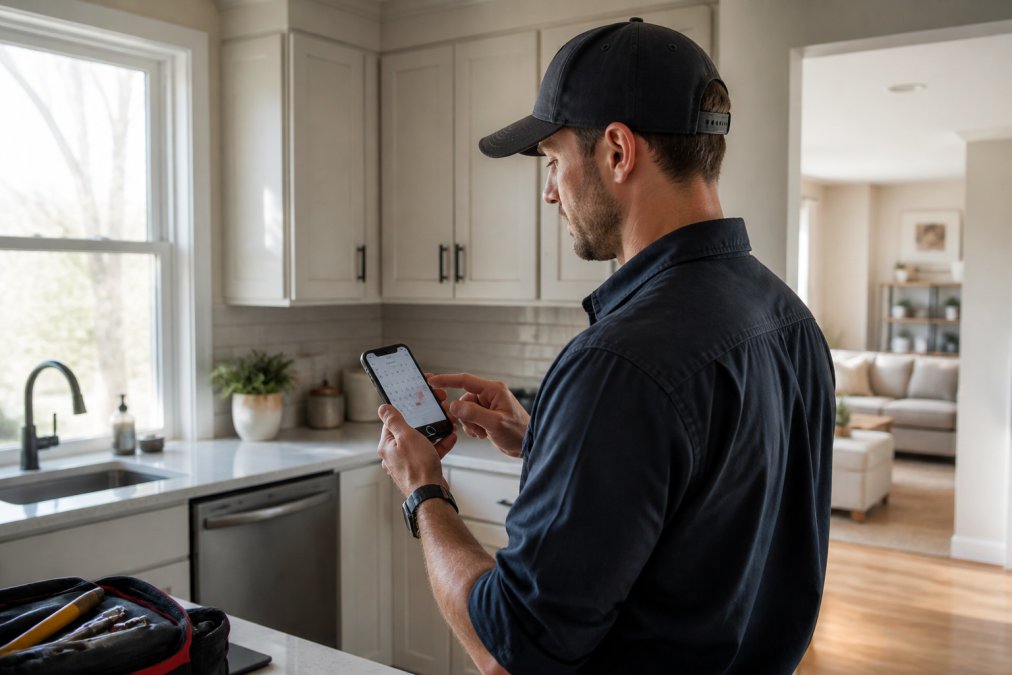
Test the booking flow from a customer perspective on mobile and desktop. Confirm confirmation emails arrive within seconds. A broken booking experience kills conversions.
Most platforms offer white-label booking pages displaying your company branding, keeping customers on your site.
Step 3: Configure Automated Scheduling Workflow Templates
Workflow templates automate repeated decisions. Instead of manually routing each job, your system applies rules to assign appointments based on technician availability, skill set, and location.
Define your service types and map each to specific technicians. When a customer books electrical work, the system assigns it to licensed electricians, not your framing crew.
Set scheduling rules: how far in advance customers can book, which time slots are available, and service duration. Build templates for common appointment types so the system pre-fills service duration, required materials, and technician skill requirements. scheduling sales demos.
The goal is moving from manual assignment to system-driven assignment with human review of exceptions.
Step 4: Implement Automated Reminders to Reduce No-Shows
No-shows are revenue killers. Automated reminder systems reduce no-show rates by 87%, according to Accenture Healthcare Efficiency Study cited by AgentZap.
Configure a reminder sequence:
- Booking confirmation (immediate): Confirms details and provides contact info
- 3-day reminder (SMS): "Your HVAC service is scheduled for Thursday at 2 PM. Reply CONFIRM or call 555-0123"
- 24-hour reminder (email): Includes technician name, estimated arrival window, and preparation tips
- 2-hour reminder (SMS): "We're on our way! Your technician will arrive between 2-3 PM"
SMS reminders outperform email. Businesses using automated SMS reminders see no-show rates drop by 35-55% compared to manual reminder calls.
Make reminders actionable with specific details: technician name, arrival window, what to prepare, and a direct reply option. Test timing, the 3-day and 24-hour sequence works for most service businesses.
Step 5: Integrate Lead Qualification and Intake Forms
Intake forms let customers provide information upfront so your team arrives prepared. Build forms to collect information your technicians actually need: for HVAC, system age and current issues; for plumbing, problem location and severity.
Keep forms short, 5-7 fields maximum. Each additional question drops completion rates. Make fields conditional: if a customer selects "emergency," show fields for water damage; if "routine maintenance," skip emergency questions.
Link form responses directly to the appointment record. When a technician opens a job, they should see customer answers without switching systems.
Use form data to qualify leads. Flag unrealistic requests (e.g., $500 budget for full HVAC replacement) so your sales team can follow up with education or financing options.
Step 6: Automate Dispatch and Field Technician Routing
Dispatch automation connects appointment scheduling to field operations. Once appointments are booked, your system should automatically assign them to technicians and optimize their daily route.
Assign jobs based on technician availability, skill match, location, and load balancing. Route optimization calculates the most efficient sequence of appointments to minimize drive time. A technician with 4 appointments might spend 90 minutes driving without optimization; route optimization might reduce that to 45 minutes.
Push assignments to technicians' mobile apps in real time with appointment details, customer address, and directions. Enable two-way communication so technicians update job status and customers receive automatic notifications.
Common Implementation Pitfalls and How to Avoid Them
Pitfall 1: Incomplete calendar synchronization. Your booking software and team calendars get out of sync, leading to double-bookings.
Fix: Make the scheduling system the only source of truth. Set sync frequency to real-time or every 5 minutes. Alert on sync failures.
Pitfall 2: Overly complex booking rules. Too many service types and conditional rules cause wrong assignments and waste time fixing mistakes.
Fix: Start simple with 2-3 service types and basic rules. Add complexity only when needed.
Pitfall 3: No fallback for system failures. Your software goes down and your team can't book appointments or dispatch jobs.
Fix: Document manual processes. Keep printed technician availability and service areas. Have a phone number for booking failures.
Pitfall 4: Ignoring customer communication preferences. You send SMS to email-preferring customers, and they ignore reminders.
Fix: Ask preferred contact method during booking. Respect preferences and offer multiple channels.
Pitfall 5: Launching without training. Your team struggles and reverts to old processes.
Fix: Have your vendor conduct a 1-2 hour training session. Create a reference guide. Assign a power user. Plan for a 2-3 week adjustment period.
Pitfall 6: Not measuring impact. You implement automation but never check whether it improved results.
Fix: Track no-show rate, jobs per technician per day, time to fill appointments, and customer satisfaction before and after. Review monthly for 90 days.
Automating appointment scheduling for home services transforms operations. Successful businesses start simple, measure results, and refine over time.
If you're managing high call volume and struggling to capture after-hours leads, custom automation delivers real value. At Uberwood Agency, we help home service companies build fully managed scheduling systems integrating with existing workflows, from 24/7 voice agents to real-time dispatch automation. Get A Free Estimate Quote And Book A Call Today to see how custom automation can transform your operation.
Frequently Asked Questions
How can I automate appointment scheduling for my home service business?
Start by selecting scheduling software that integrates with your existing tools. Set up your availability rules, configure automated reminders via SMS and email, and enable online booking on your website. The home services industry has achieved 67% virtual scheduling adoption, with businesses capturing 40% of bookings outside traditional 9-5 hours. Most platforms sync with your calendar automatically and route appointments to the right technician based on location and skills.
What are the essential steps for setting up an automated booking system?
Follow these core steps: (1) Select software matching your team size and budget, (2) Configure calendar synchronization with your existing systems, (3) Define scheduling rules and time slots, (4) Create intake forms to qualify leads upfront, (5) Set up automated SMS and email reminders, (6) Test the workflow with sample bookings, (7) Train your team on the new system. Businesses using automated scheduling see 22-31% fewer missed appointments and dispatch 1.4 more jobs per technician daily compared to phone-based booking.
How can I reduce no-shows using automated appointment reminders?
Automated reminder systems reduce no-show rates by 87% when integrated with your scheduling software. Send initial confirmation emails immediately after booking, follow with SMS reminders 24 hours before the appointment, and send a final text 2 hours before arrival. Personalize reminders with customer name, technician details, and service address. Businesses using automated SMS reminders see no-show rates drop by 35-55% compared to manual reminder calls. Allow customers to confirm or reschedule directly from reminder messages.
What's the actual ROI of automating appointment scheduling for a small team?
Businesses implementing virtual scheduling solutions see an average 312% return on investment within the first 12 months. For a small plumbing company, this translates to capturing more booked jobs by accepting after-hours requests competitors miss, reducing no-shows, and freeing staff from manual scheduling tasks. A lead contacted within 5 minutes of inquiry is 9 times more likely to convert, and automated systems ensure instant response 24/7. Calculate your ROI by tracking leads captured after-hours, no-show reduction, and technician productivity gains.