
Table of Contents
- Quick Comparison: Top Home Service CRMs at a Glance
- What to Look for in a Home Service CRM for Lead Management
- Best CRM for Home Service Lead Management: The Top Picks
- Jobber: All-in-One Field Service Management
- Housecall Pro: Dispatching and Customer Communication
- ServiceTitan: Enterprise-Grade Analytics and Scalability
- QuoteIQ: Affordable CRM Built for the Trades
- Pipedrive: Sales Pipeline Focus with Extensive Integrations
- Freshsales: AI-Powered Lead Scoring and Simplicity
- Service Fusion: Flexible Configuration for Growing Teams
- FieldEdge: Deep QuickBooks Integration and Equipment Tracking
- Workiz: Built-In Phone System and Review Management
- Automated Lead Follow-Up for Contractors: Why It Matters
- AI-Powered CRM Integrations for Home Services
- Lead Attribution and Data Migration: Angles Competitors Miss
- Which CRM Fits Your Home Service Business?
- Frequently Asked Questions
Last Updated: September 24, 2026
Quick Comparison: Top Home Service CRMs at a Glance
Finding the best CRM for home service lead management starts with what separates a trades-built platform from a generic sales tool. At Uberwood Agency, we work with plumbing, roofing, and HVAC companies every week, and the pattern is consistent: the CRM that wins fits how your crews actually work, not the one with the longest feature list.

| CRM | Starting Price | Standout Feature | Best For |
|---|---|---|---|
| Jobber | Contact for pricing | All-in-one field operations | Small to mid-size teams |
| Housecall Pro | Contact for pricing | Real-time dispatching | HVAC, plumbing, electrical |
| ServiceTitan | Contact for pricing | Advanced analytics | Large operations |
| QuoteIQ | $29.99/month | Trade-specific quoting | Solo contractors |
| Pipedrive | Contact for pricing | Visual sales pipeline | Sales-led teams |
| Freshsales | Free tier available | AI lead scoring | Simple lead management |
| Service Fusion | Contact for pricing | Flexible scheduling board | Growing teams |
| FieldEdge | Contact for pricing | QuickBooks integration | Accounting-heavy shops |
| Workiz | Contact for pricing | Built-in phone system | Locksmiths, repair services |
What to Look for in a Home Service CRM for Lead Management
A home service CRM captures leads, tracks them through a sales funnel, and connects that pipeline to scheduling, dispatch, and invoicing. Generic CRMs handle the first part and ignore the rest, which is why so many contractors run two systems that never sync.
Scheduling, Dispatching, and Field Service Management
Job scheduling and dispatching are where general-purpose CRMs fall apart. A sales tool assumes a deal closes and the work is done; a home service business needs the lead to flow into a dispatch board, assign a technician, and push real-time notifications to the field.
Test three things during a trial, not a demo:
- Drag-and-drop rescheduling. When a customer moves Tuesday to Thursday, how many clicks does it take, and does the tech get notified automatically? Too many clicks and your dispatcher will route around the system.
- GPS and ETA tracking. Confirm the customer-facing arrival window updates in real time, not just the internal map. Customers with a live ETA call the office less.
- Offline mobile mode. A technician in a basement, crawlspace, or rural area will lose signal. The app must capture notes, photos, and job status offline and sync on reconnect. Ask the vendor: "If my tech loses signal mid-job, what happens to the data?" A vague answer is a red flag.
Invoicing, Payment Processing, and Accounting Integrations
Invoicing and payment processing should connect to the same record as the lead. When a technician closes a job, the estimate should convert to an invoice without re-entry. Look for card-on-file, tap-to-pay, and payment links emailed before the tech leaves the driveway, the faster the invoice goes out, the faster it gets paid.
Lead Capture and Response Speed
The feature that quietly decides your close rate is response time. Most home service leads go cold within hours, and crews are in the field, not at a desk. Look for a CRM that fires an automatic text or email the instant a web form, call, or ad click generates a lead, before a human touches it.
Reporting That Ties Leads to Revenue
Best CRM for Home Service Lead Management: The Top Picks
Every platform below handles the basics. What separates them is how they handle the handoff between the office and the field.
Jobber: All-in-One Field Service Management
Jobber bundles lead capture, quoting, scheduling, and invoicing into one interface. Automated follow-ups chase quotes so estimates don't go cold, and the client hub lets customers book and pay online.
Housecall Pro: Dispatching and Customer Communication
Housecall Pro leans into dispatching and customer communication. Real-time GPS tracking shows where every technician is, and automated reminders cut no-shows.
ServiceTitan: Enterprise-Grade Analytics and Scalability
ServiceTitan is built for operations running multiple crews and locations. Its reporting dashboard goes deep, and marketing ROI tracking ties lead generation spend to closed jobs.
QuoteIQ: Affordable CRM Built for the Trades
QuoteIQ targets solo contractors and small crews. The $29.99/month starting price is the lowest here, and the quoting and estimating tools are built for trades rather than adapted from sales software.
Pipedrive: Sales Pipeline Focus with Extensive Integrations
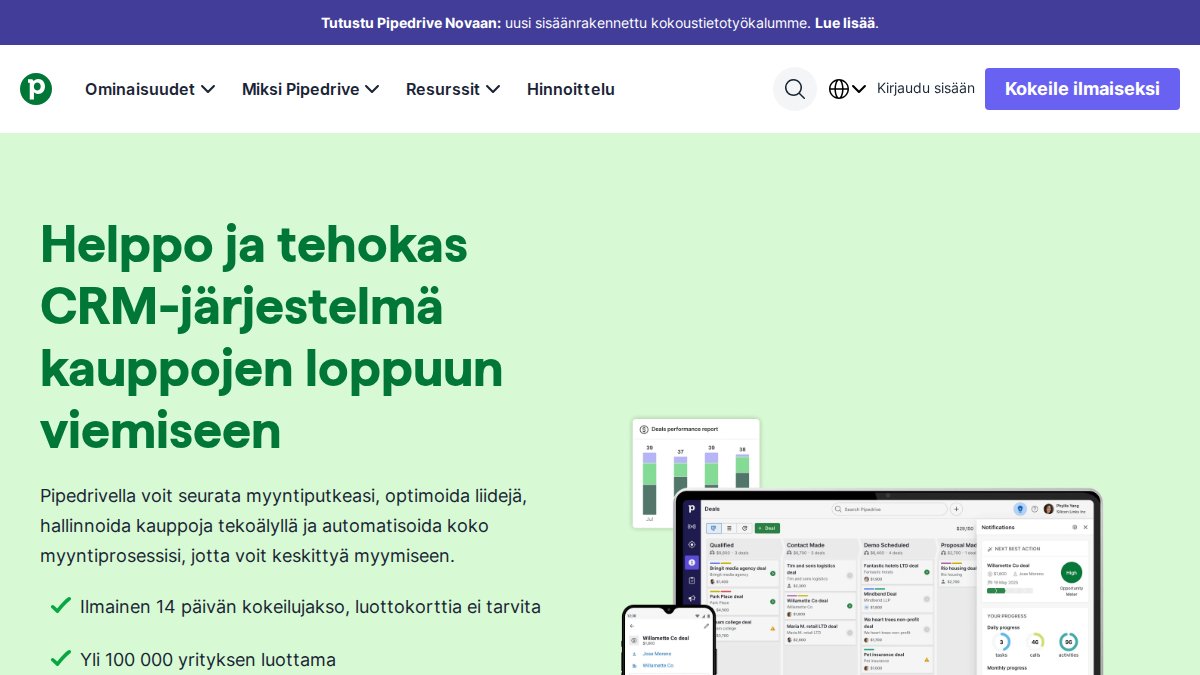
Pipedrive does one thing exceptionally well: visual sales pipelines. If your bottleneck is converting leads rather than dispatching crews, its pipeline view makes every deal stage obvious.
Freshsales: AI-Powered Lead Scoring and Simplicity
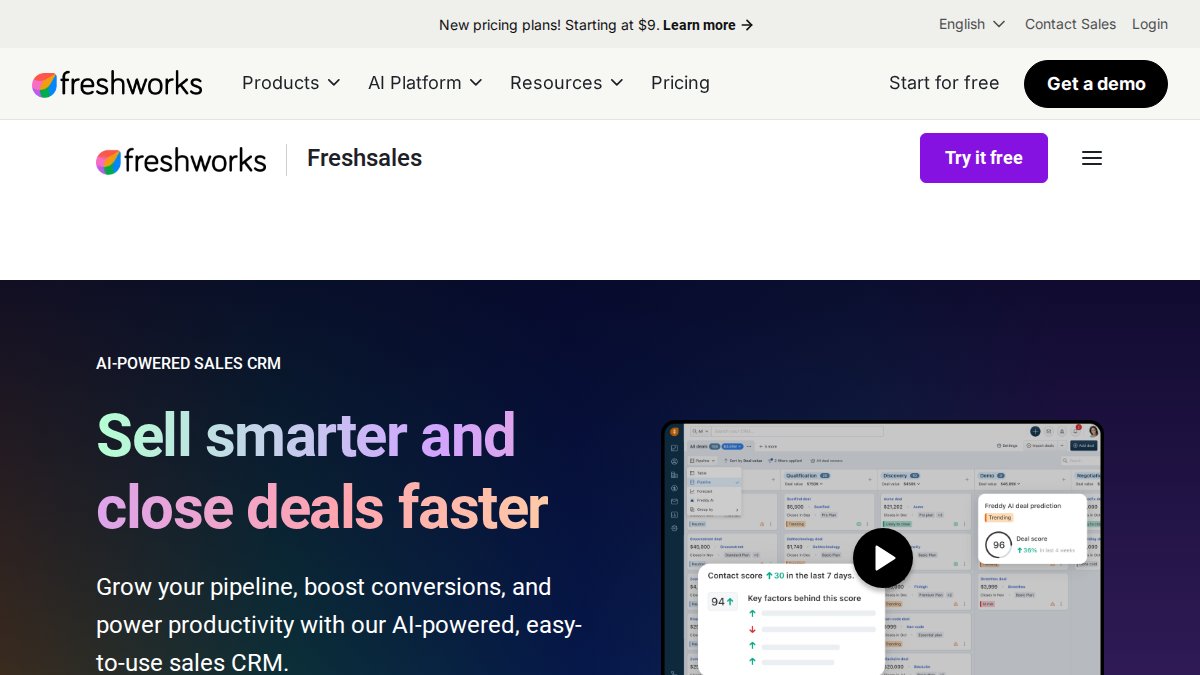
Freshsales uses AI-based lead scoring to rank incoming leads by likelihood to close. Setup is fast, and a free tier makes it a low-risk way to test AI-driven lead management.
Service Fusion: Flexible Configuration for Growing Teams
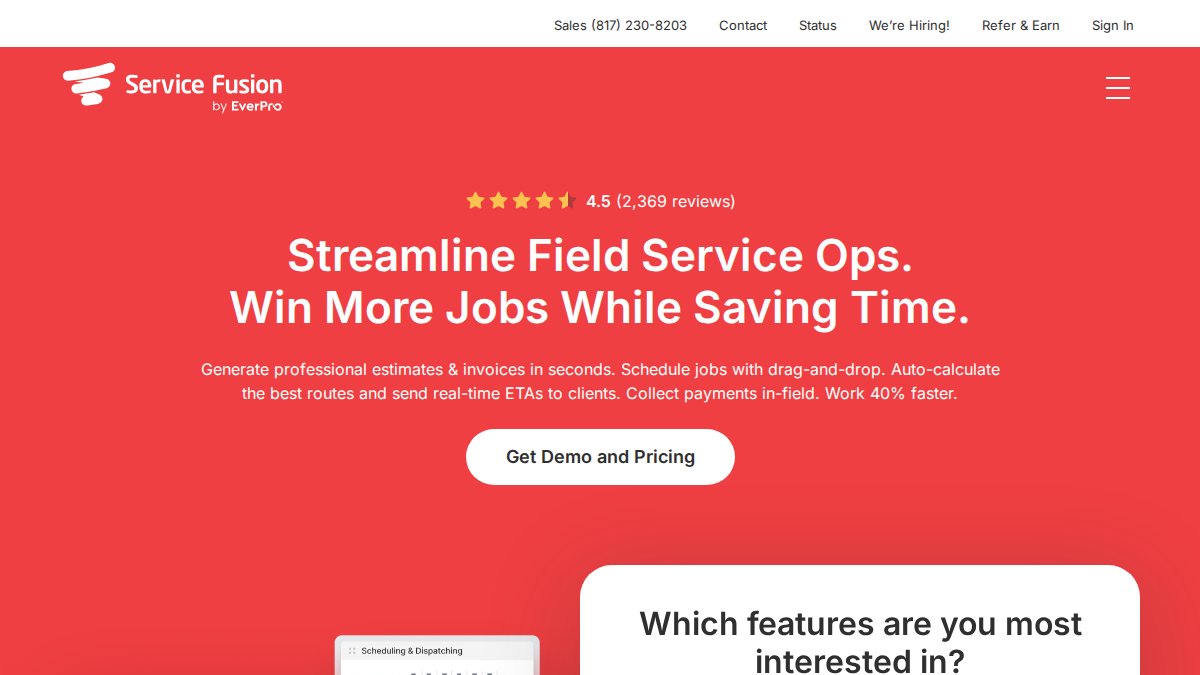
Service Fusion combines CRM, scheduling, and billing with an easy-to-learn drag-and-drop board. The customer portal keeps service history and payments in one place.
FieldEdge: Deep QuickBooks Integration and Equipment Tracking
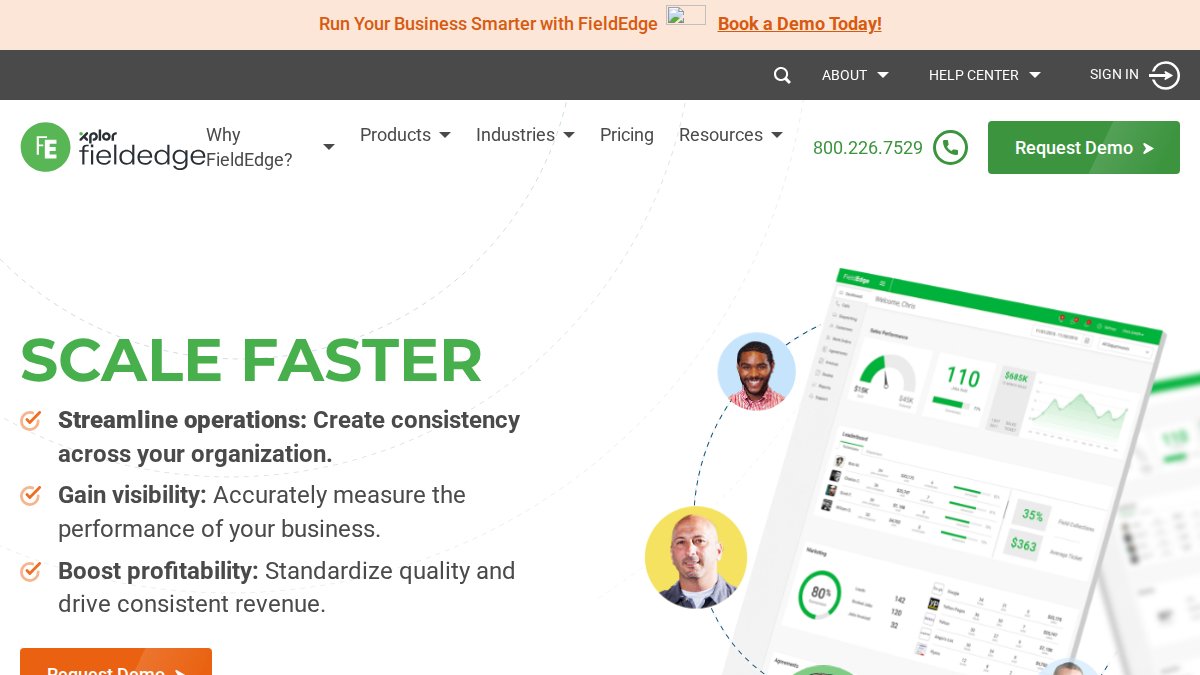
FieldEdge is the pick for shops that run on QuickBooks. The integration is native and deep, and equipment tracking keeps service history attached to the specific unit at a customer's property.
Workiz: Built-In Phone System and Review Management
Workiz includes a phone system with call tracking, so you can see which leads came from which calls. Automated review collection turns completed jobs into online reviews.
Automated Lead Follow-Up for Contractors: Why It Matters
Automated lead follow-up for contractors is the single highest-use feature on this list. Most home service leads go cold within hours, and crews are in the field, not at a desk.
AI-Powered CRM Integrations for Home Services
AI-powered CRM integrations for home services are moving from novelty to expectation. The practical uses are narrow but valuable: lead scoring, chatbots that qualify inquiries before they reach a human, and voice agents that answer calls around the clock.
Lead Attribution and Data Migration: Angles Competitors Miss
Two things most guides skip: knowing which ad channel produced each lead, and moving your existing data without losing it. These decide whether a CRM actually pays for itself.
Lead Attribution: Connecting Ad Spend to Booked Jobs
Lead attribution means tagging every lead with its source, a Google Ads click, a Local Services Ads call, a yard sign, or a referral. Without it, you're guessing which spend works, and most contractors guess wrong because the last click gets credit even when a phone call started the job.
- Track the phone number, not just the form. Call tracking numbers per channel show which ads generate calls, not just clicks. A phone lead should land in the CRM already tagged with the number it dialed.
- Tag at the form level. Use a hidden field on every web form recording the campaign, ad group, and keyword. If your forms don't pass that data, your CRM can't report on it later.
- Reconcile against the ad platform. Monthly, compare the leads your CRM recorded to what Google Ads or Local Services Ads claims it sent. A gap usually means a misconfigured tracking number or a form dropping submissions.
- Report on booked revenue, not lead count. Revenue per source matters, not leads per source. A channel sending 50 cheap leads that never close is worse than one sending 10 that book.
Data Migration: Moving Your History Without Losing It
Data migration is the other half, and where switches go wrong. Before switching CRMs, export your customer database, contacts, and service history, then test the import on a small batch first.
The workflow that prevents disaster:
- Export everything, in every format offered. Pull customers, contacts, service history, open quotes, notes, and attachments. Save the raw exports outside the old system before you cancel anything.
- Map fields on paper first. Match each old field to its new home. Watch for ones without an obvious destination, custom fields, tags, and free-text notes are where data quietly disappears.
- Run a sample batch. Import 20 to 50 records and verify names, addresses, phone numbers, service dates, and notes landed in the right fields. Check a hyphenated name, a record with two service addresses, and one with an attached photo.
- Reconcile the count. After the full import, compare records in the new system to what you exported. If they don't match, find out why before you go live.
- Keep the old system read-only for 30 days. Don't cancel it the day you switch. Keep it accessible but frozen so you can answer "what did we charge this customer last year?" while the new system beds in.
Why These Two Projects Belong Together
Attribution and migration are the same problem from two directions: data coming in, and data you already have. A CRM that can't tag a new lead by source or absorb your old records leaves you with a system that's technically live but practically blind.
Google Ads conversion tracking setup guide
Which CRM Fits Your Home Service Business?
Match the platform to your bottleneck, not your wishlist.
- Solo or small crew: QuoteIQ for quoting, Jobber for all-in-one operations.
- Growing team with dispatch pain: Housecall Pro or Service Fusion.
- Sales-led with a conversion problem: Pipedrive or Freshsales.
- QuickBooks-heavy shop: FieldEdge.
- Multi-location operation: ServiceTitan.
- Phone-driven business: Workiz.
If your real problem is connecting these tools into one workflow, that's a different job than picking software. It's an engineering one.
Frequently Asked Questions
Which CRM is best for lead management in home service businesses?
The best CRM depends on your business size and needs. Jobber and Housecall Pro suit small to medium contractors needing scheduling and dispatching. ServiceTitan fits larger operations requiring advanced analytics. QuoteIQ offers an affordable entry point for solo tradespeople. For automated lead follow-up and AI-powered integrations, a fully managed solution like Uberwood Agency can connect your existing tools and handle technical setup so you focus on closing jobs.
What features should a home service CRM include for lead tracking?
Look for a lead pipeline that captures inquiries from multiple channels, automated follow-up sequences, job scheduling, dispatching, and a customer database with service history. Invoicing and payment processing should integrate with your accounting software. Mobile accessibility for field technicians matters. Real-time notifications and reporting dashboards help you track conversion rates. If you need AI-powered CRM integrations for home services, prioritize platforms with open APIs or choose a managed service that builds custom connections.
How does automated lead follow-up improve contractor conversion rates?
Automated lead follow-up for contractors ensures every inquiry gets a timely response, even after hours. Immediate texts or emails acknowledging the lead keep you top of mind. Drip sequences can nurture prospects who are not ready to book yet. This reduces the chance of losing jobs to competitors who respond faster. Many CRMs include templates and triggers, but custom workflows tailored to your service types often produce better results than generic sequences.
Can I migrate my existing data to a new home service CRM?
Most established CRMs offer import tools for contacts, job history, and notes. The process varies: some require CSV uploads, others have direct migration assistance. Plan for data cleanup before importing to avoid duplicates. If you use multiple tools, a managed integration service can map fields and sync records without manual entry. Always test with a small batch first and back up your original data before switching.